Create Course
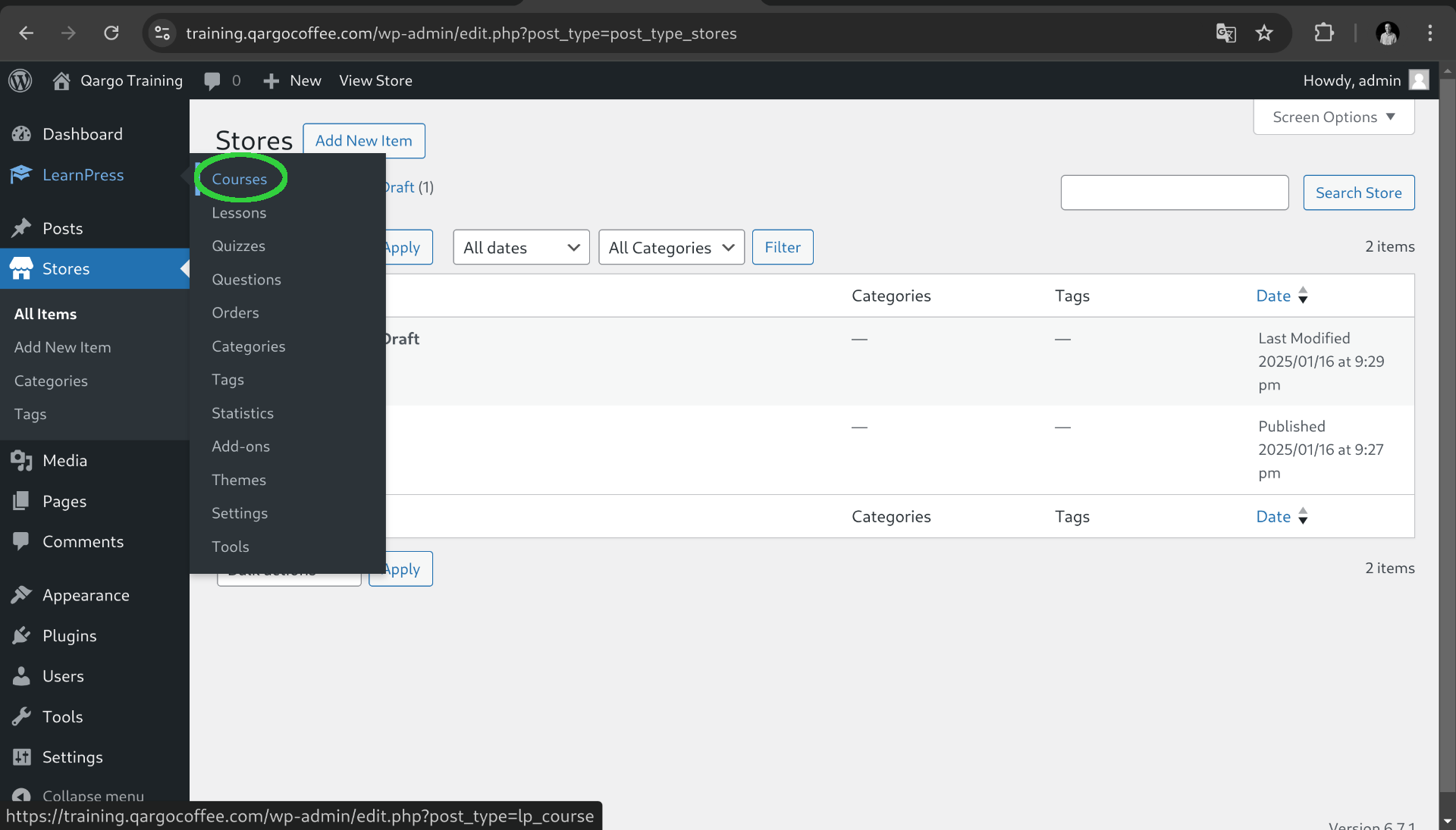
Go to the left menu on LearnPress and click on Courses
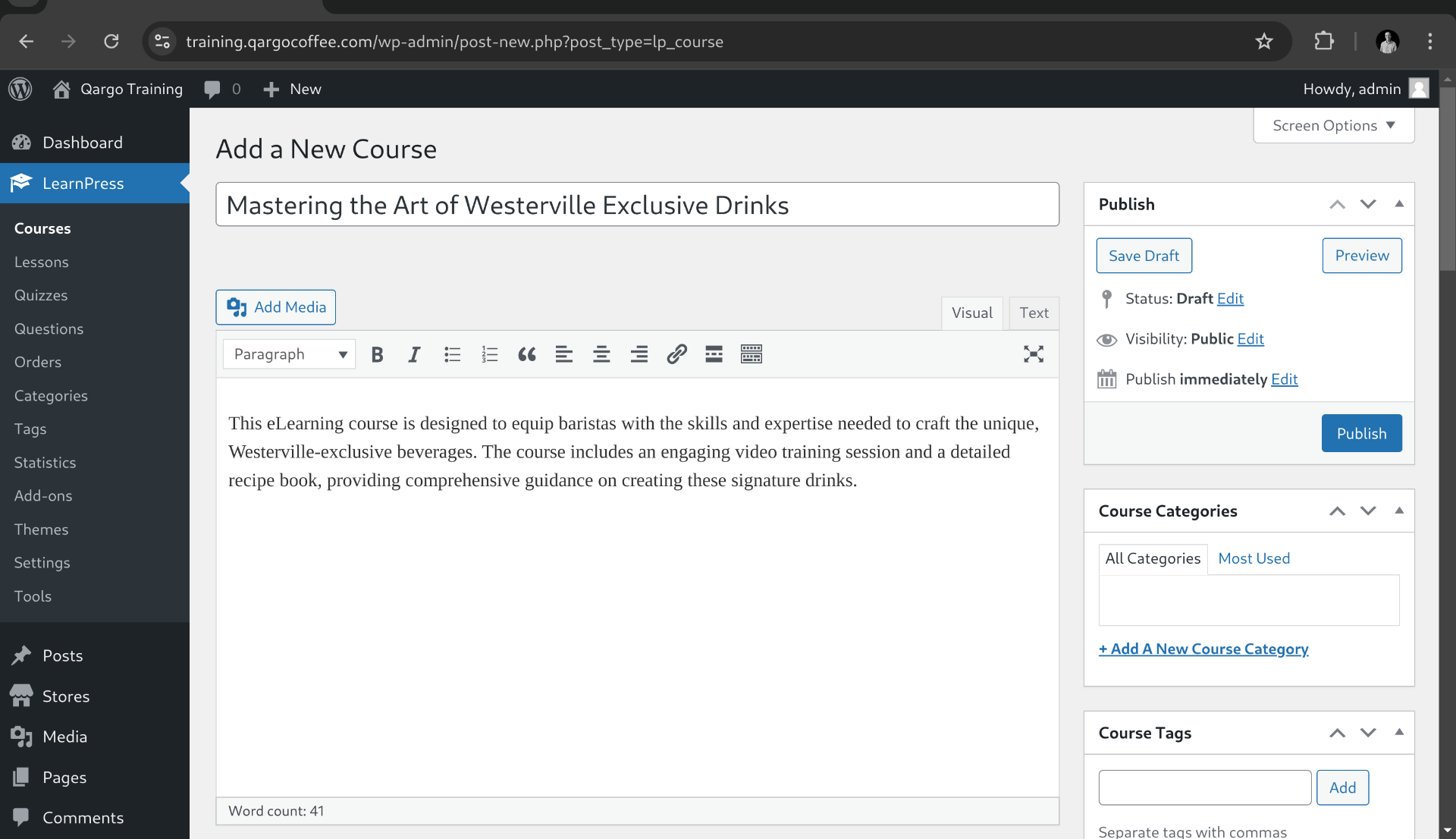
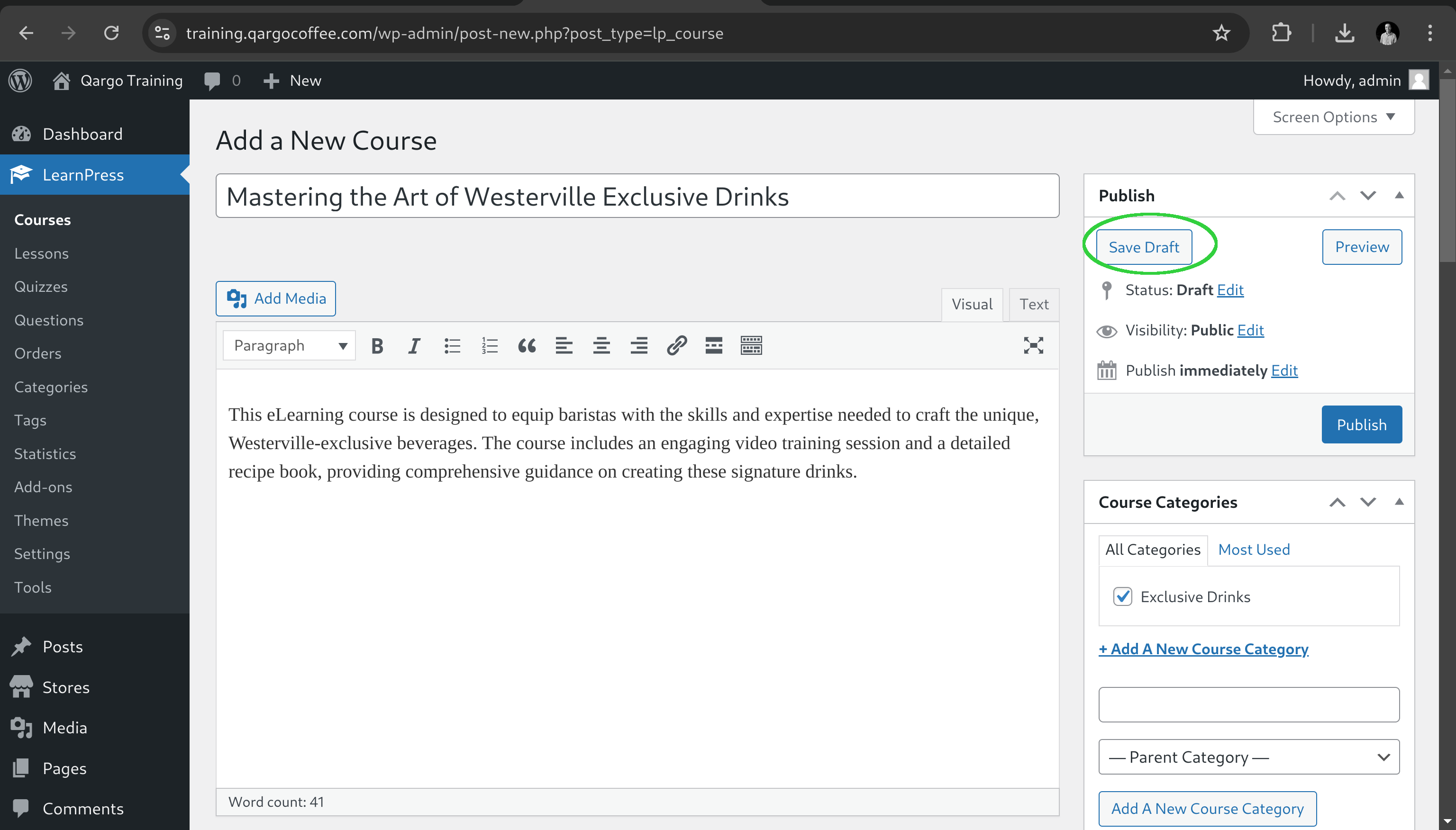
Then click on Add New Course and fill the title and description form in this case we will use the Course named "Mastering the Art of Westerville Exclusive Drinks".
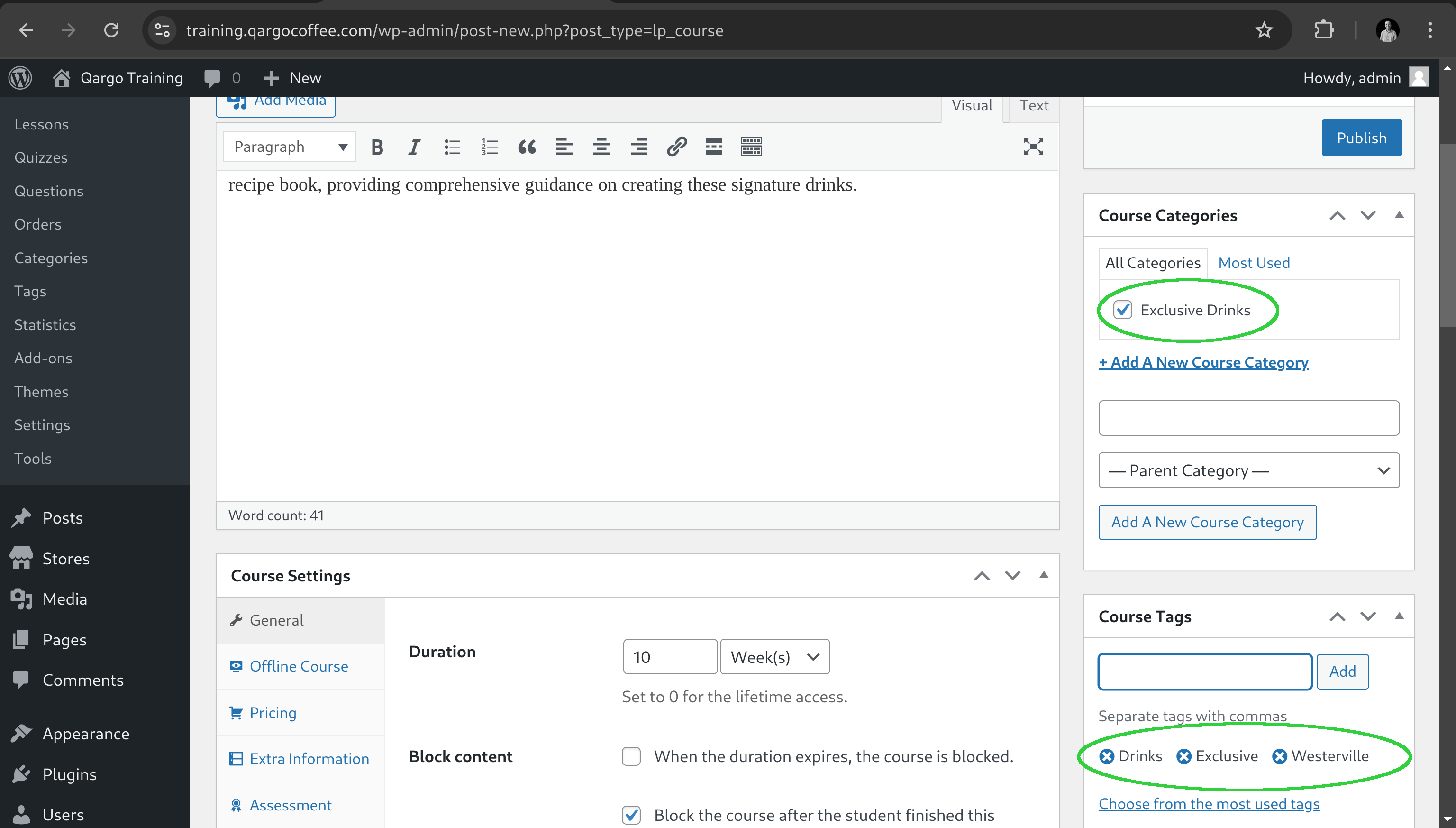
After that we got the right panels forms to include a category like "Exclusive drinks" and course tags like "Westerville", "Drinks", "Exclusive"
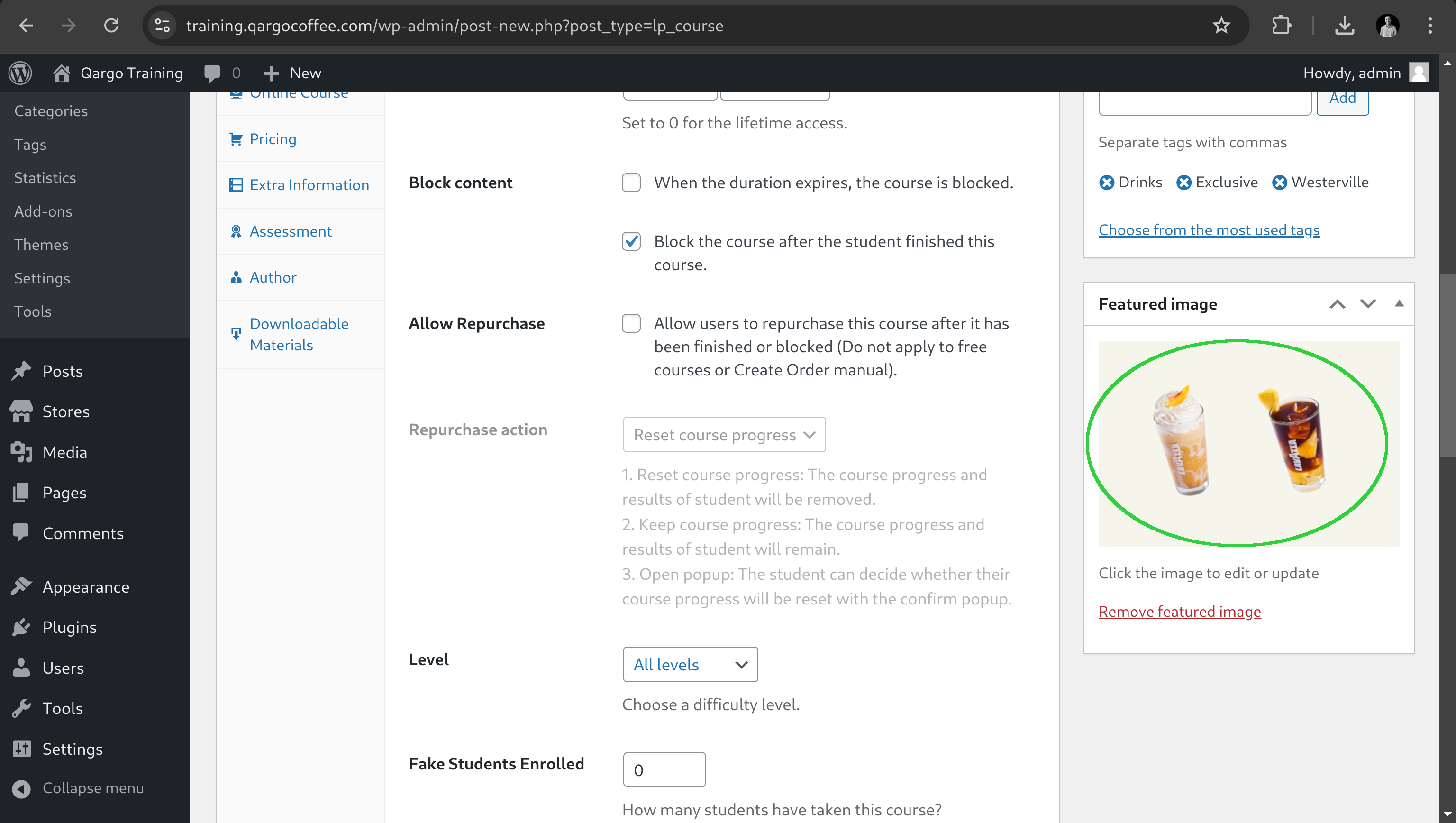
Then we need to include the course image on the panel below course tags
At this point we are always able to save changes without publishing the course using the save draft button on the right top card
On the next step we are going to configure and create content for the course.