Create the lessons
On the Lessons page click on Add A New Lesson and fill with the title and then click on the Add Media button to add a video.
If video files are bigger than 100M probably the upload will fail so the ftp uploads option is recommended for big files or slow internet connections.
For now let's suppose that you uploaded a small size video to use and you can insert directly on the lesson.
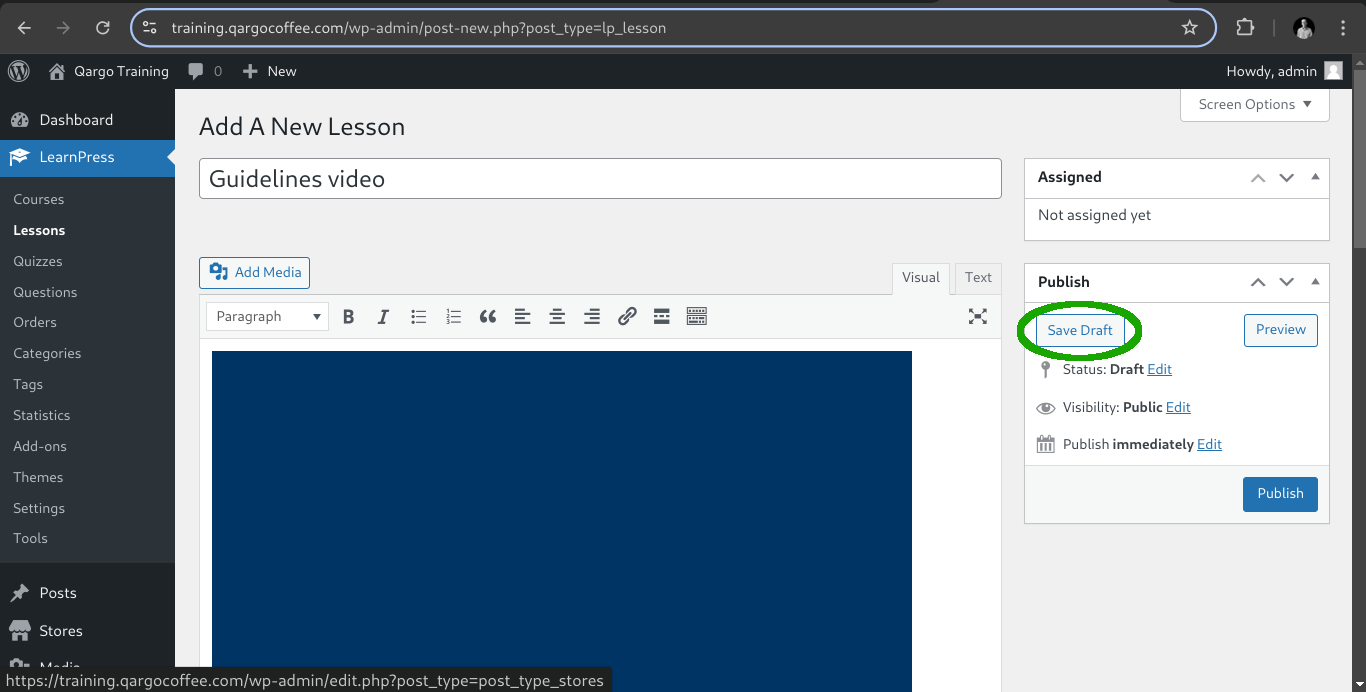
At this point you got the title and a video inserted. Remember that you can always save the draft to before publishing the content.
Lesson settings
You can also configure the duration of the lesson based on the video or content to read. Also can add course additional information if it's required for the user to study like PDF's or text documents. In this case we put 4 minutes for the lesson duration and click on publish.
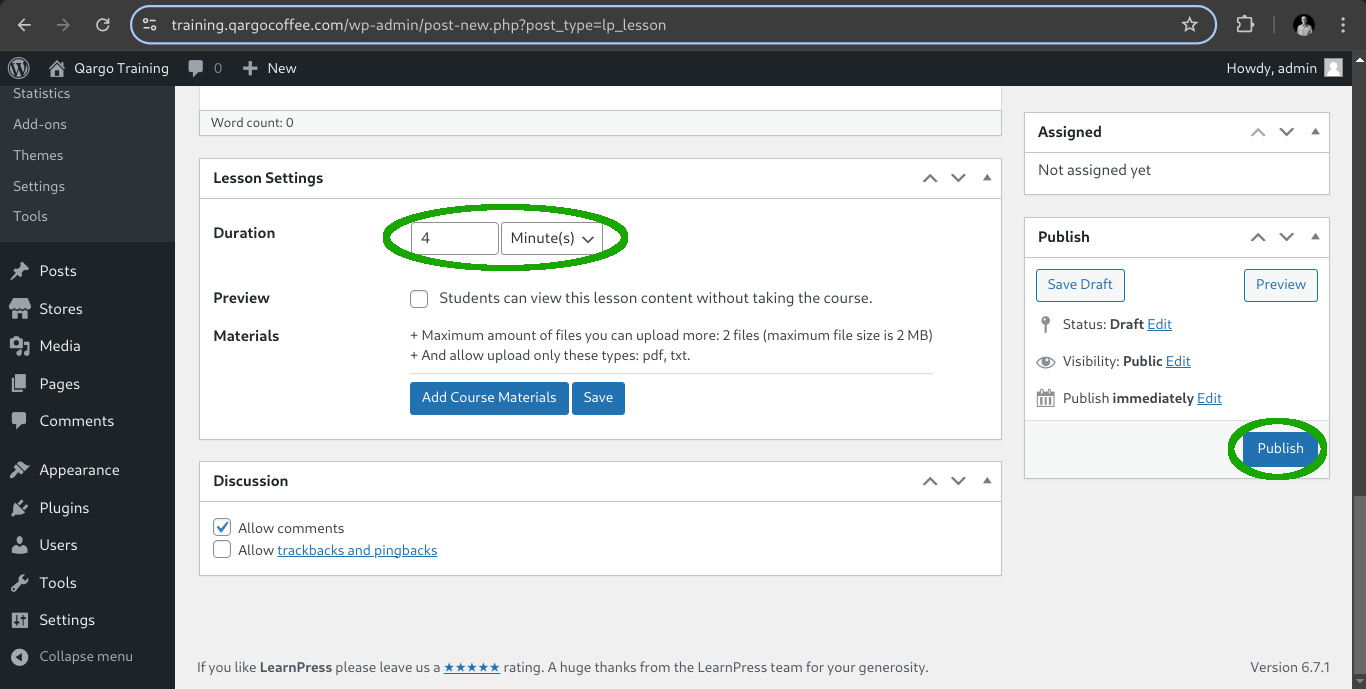
At this point you can create the other lessons or we can return to our course to include this lesson on the first section.